Smart Ticketing That Just Works

Master your inbox and keep your support team organized with total ease.

A Unified Inbox for Your Site

With a dedicated inbox for each project, you can keep your communications organized and ensure no customer message ever falls through the cracks.

Customers can reach out directly to your custom Charla address, or you can simply forward your existing support emails. It’s a seamless way to consolidate all your incoming requests through a unified platform.

Ticketing System

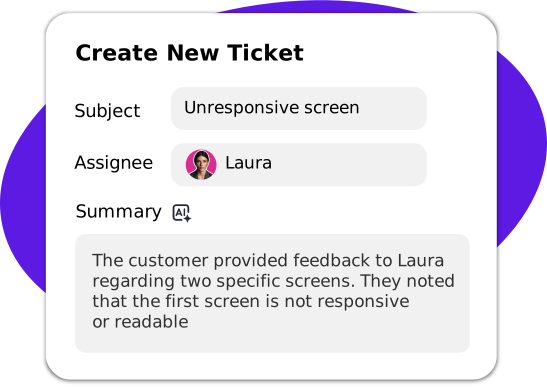
AI Summaries: Get the Full Story

Stop wasting time reading through endless chat logs to catch up. Our smart AI automatically condenses long customer conversations into clear, actionable summaries so you get the full context in seconds.

This keeps your team in the loop without the extra legwork. You’ll have all the info you need to jump right in and solve problems faster than ever before. Simple!

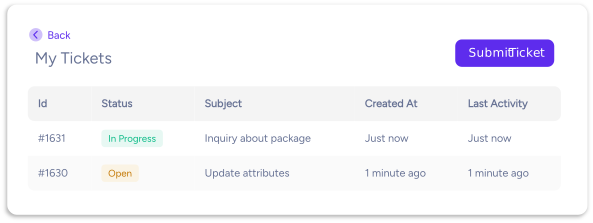
Tickets Self-Service Portal

Get a dedicated self-service portal where customers can create and track their own tickets
without needing to wait for a live agent to become available.
self-service-tickets

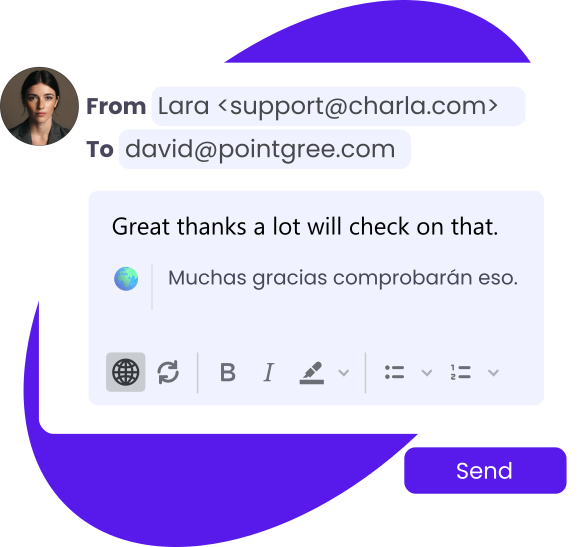
Tickets Auto-Translation

Our built-in translation feature automatically converts your incoming and outgoing ticket responses into the customer’s preferred language, making communication feel effortless and natural.

Speak your customer’s language fluently and build trust across borders, ensuring every interaction is perfectly understood, no matter where they are.
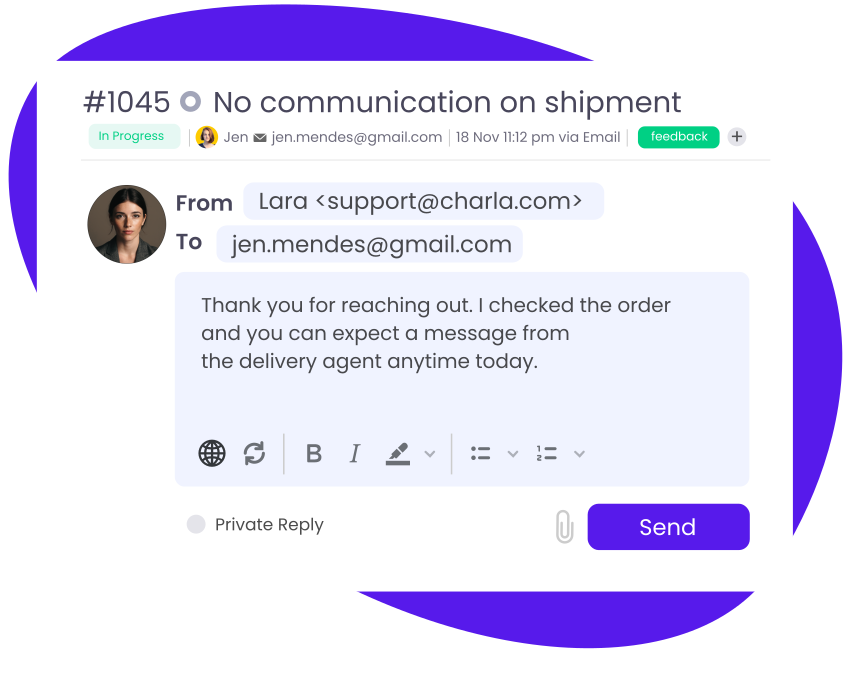
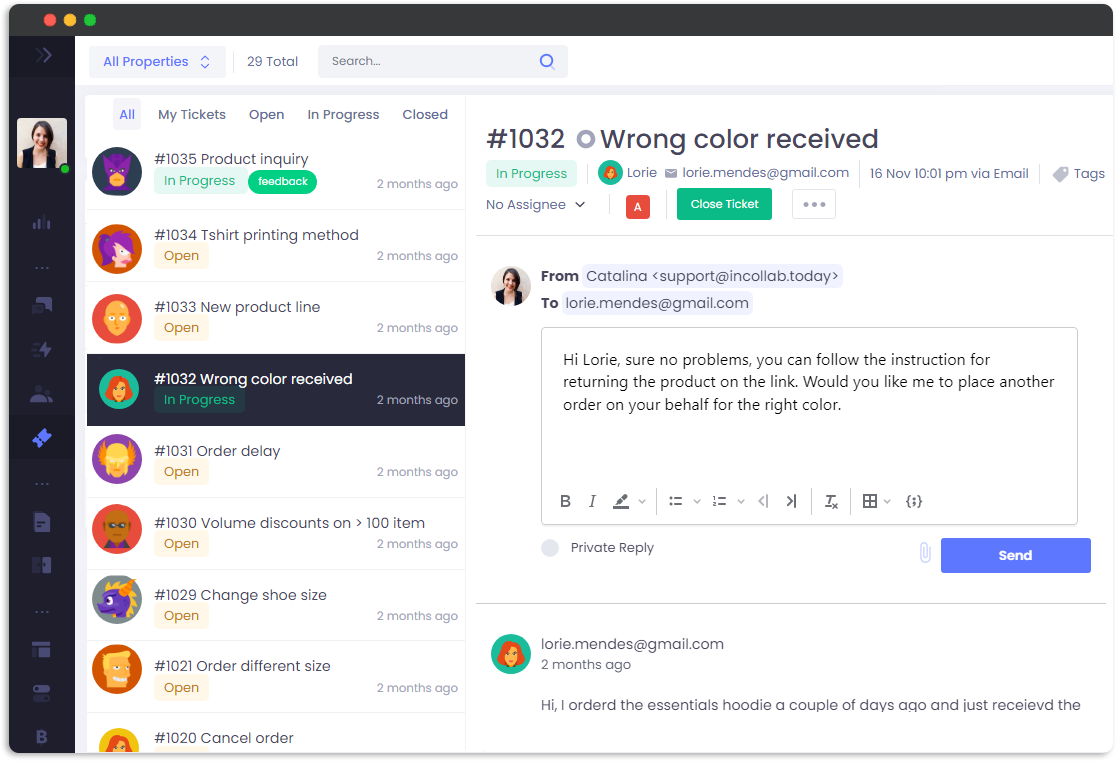
One Inbox to Rule Them All: Chat and Tickets Combined

Manager customer messages and support tickets from the same Inbox.

Ticket Management Made Simple

Use our intuitive tools to organize your workflow and give every customer the attention they deserve.
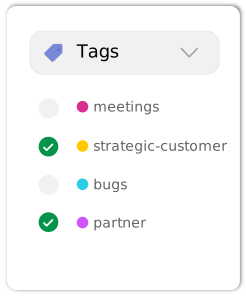
manage-tags

Smart Tags

Assign custom tags to categorize issues, spot recurring bugs, and identify high-value feedback in seconds.

tickets-priority

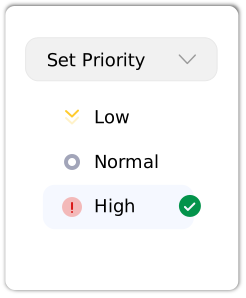
Priority Levels

Never let a critical issue sit too long. Set clear priorities so your team always knows which fire to put out first.

manage-assignees

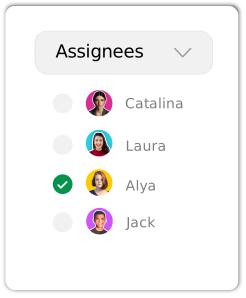
Flexible Assignment

Eliminate the “who’s doing what” confusion. Assign specific agents to tickets so every task has an owner and nothing falls through.

Reliable Email Delivery

Use our built-in delivery system or link your Google Workspace or Microsoft 365 account
to ensure every reply lands directly in the inbox.

Frequently Asked Questions

Sure! Every site you create within Charla comes with its own dedicated inbox to keep your projects perfectly organized.

Yes, you certainly can. When you convert a chat to a ticket, our AI automatically summarizes the conversation for quick reference.

Yes! You can capture form submissions and send them to your dedicated inbox. Charla will then turn those emails into tickets automatically.

Absolutely. You’ll find all the customer's previous conversations and custom details in the side navigation for full context.

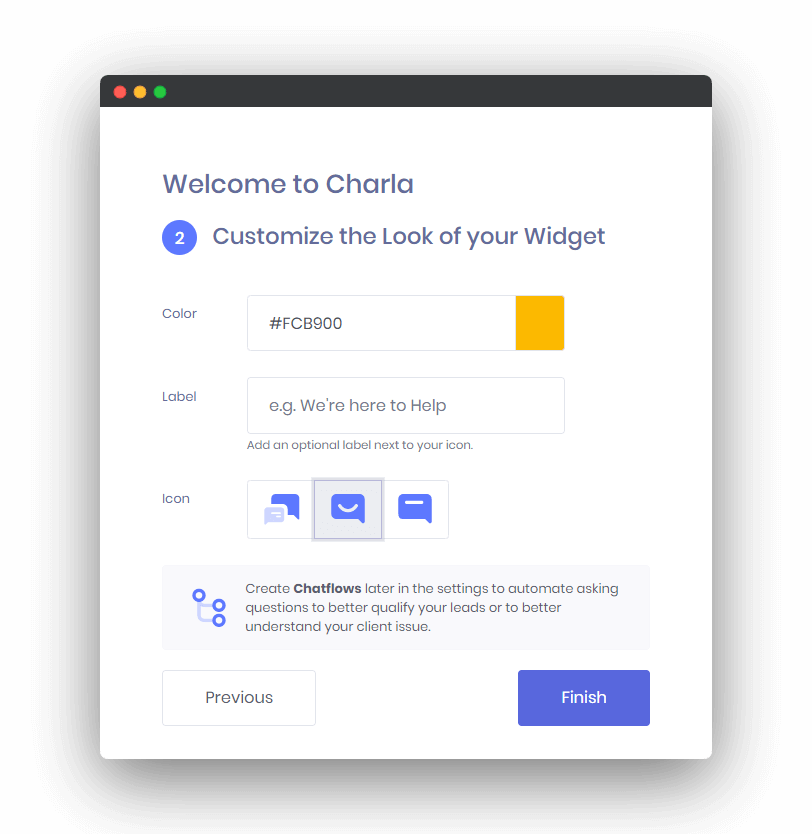
Get up and running in 2 minutes with our Quick Setup Wizard