
Video attachments not recived
I have been testing the email functionality and noticed that it is not forwarding video attachments, only images. Could this issue be resolved? We have numerous clients who send us clips of their dashboards or videos from their phones for
27 Apr
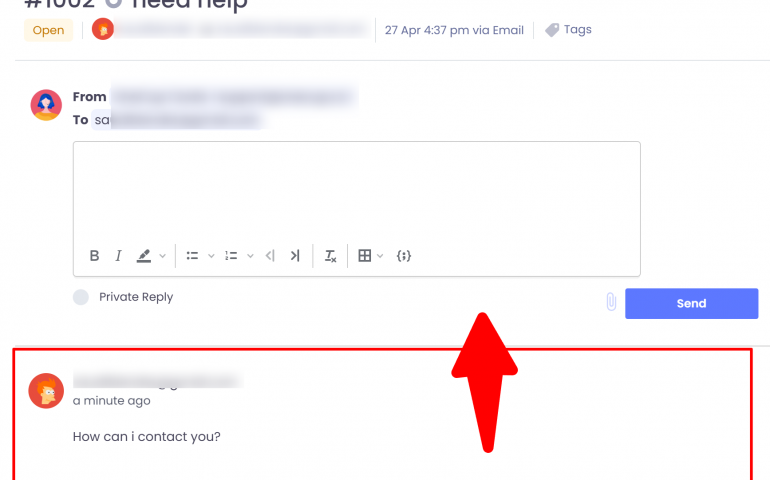
Improving Ticket Reply Flow
Please move the reply box below the latest incoming customer message. This follows best practices because it ensures agents read the conversation before replying, keeps a natural conversation flow, and reduces mistakes. Optionally, you can add a “Reply” button at
27 Apr
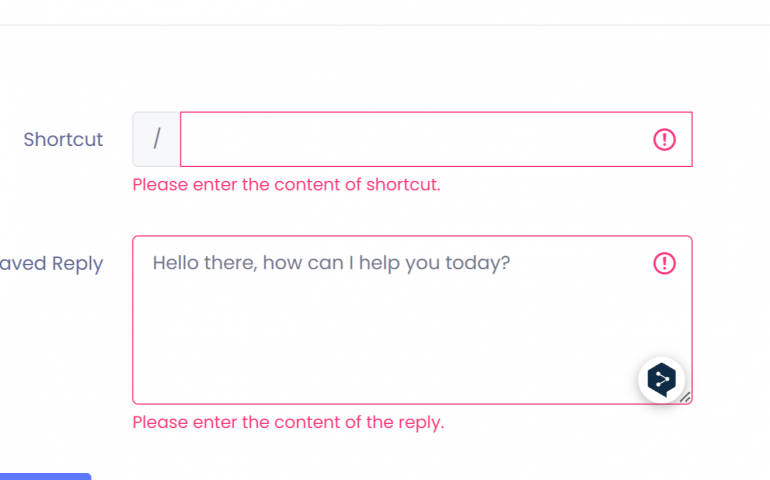
Embedding in Saved Replies
Could you kindly enable the embedding of JavaScript or images into the saved replies? If possible, allowing images for now would suffice, as we occasionally need to share visuals with our clients.
Widget refresh issue
Currently, when we make an update, it doesn’t show up immediately on the widget. End users have to refresh the page to see the changes. The same happens when an agent goes from offline to online — users won’t know
26 Apr
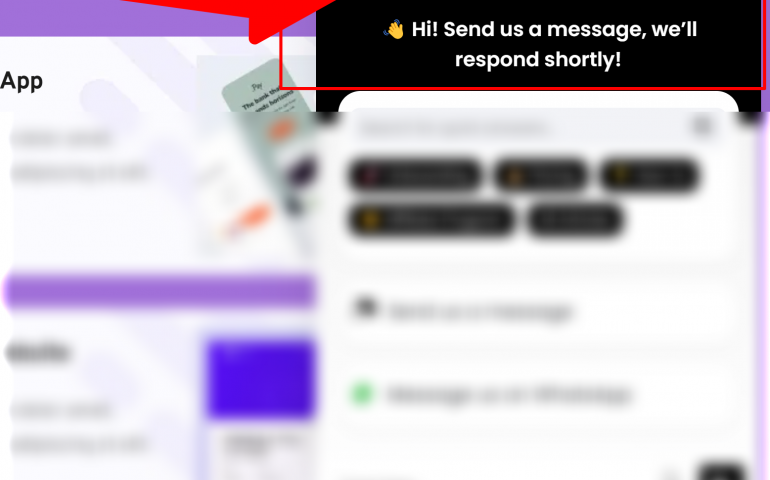
Coloring
This is mainly a cosmetic idea, but it could make a big impact. It would be great if we could control the color of this area, with the option to either upload an image or create a gradient color.
25 Apr
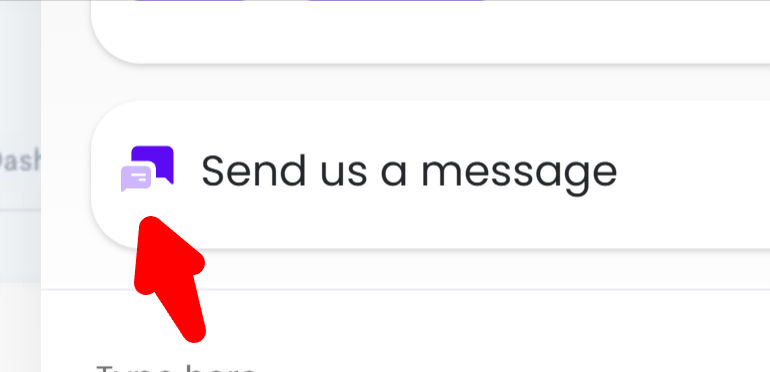
icons
Can you please give us the option to change the icon to this section, and also the Whatsapp , or change it to a more modern minimalist, & outlined icon. Thanks
Video files
When the agent sends a video file, and the user clicks on it, it should open in a new window, similar to most live chat applications, rather than opening in the same window.
Consent Management for Website, Not Just Chat Widget
I see you already have GDPR consent mgmt in the chat widget. It would be great if this could be added to the website, not just the chat widget.
Further localization (Dashboard, Ticketing system, etc.)
Now with the major update featuring multilingual bot, the strong next step would be to provide localization for the Dashboard and other elements like for example Emails which are sent by a ticketing system. P.S. I offer my help with

Recent Comments
Playing Audio
YehiaVoice messages
YehiaSupport tickets on mobile
YehiaData Source: Shopify Products
YehiaChat Transcript Sent to Custom Email
Arjun